 Full size
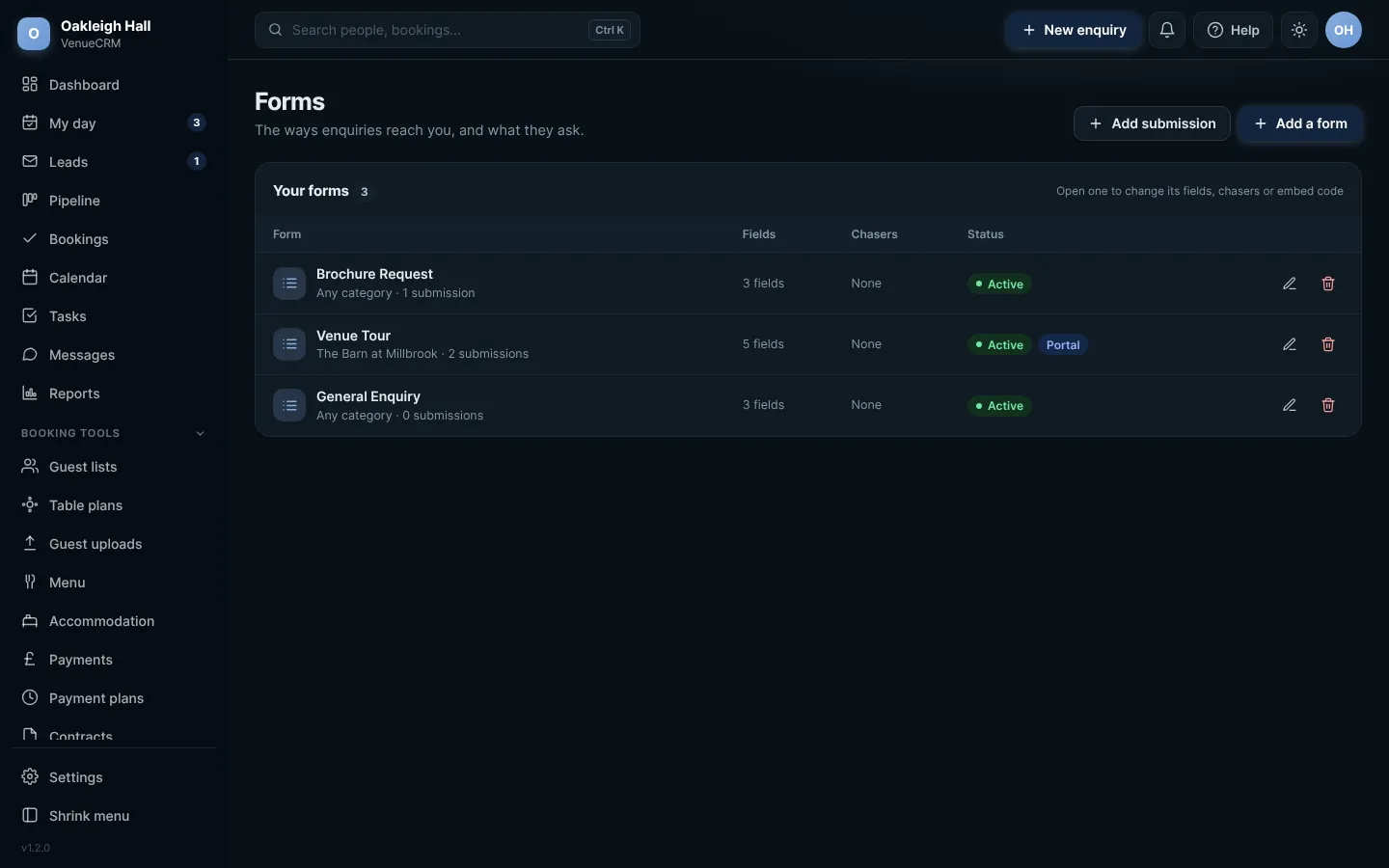
Forms. Click any picture to see it full size.
- Open Forms from the menu.
- Press Add a form and give it a name, for example "Brochure request".
- Choose the questions it asks, and the email it sends back.
- Copy the short snippet and paste it into your website, or send it to us and we will add it for you.
Spam is blocked for youEvery form has spam protection built in, with no third-party service. Settings > Spam protection lets you block particular emails or addresses.
Try this in the playgroundYour own private copy of Venue CRM, with sample data. Nothing you do is kept.
Open the playground