 Full size
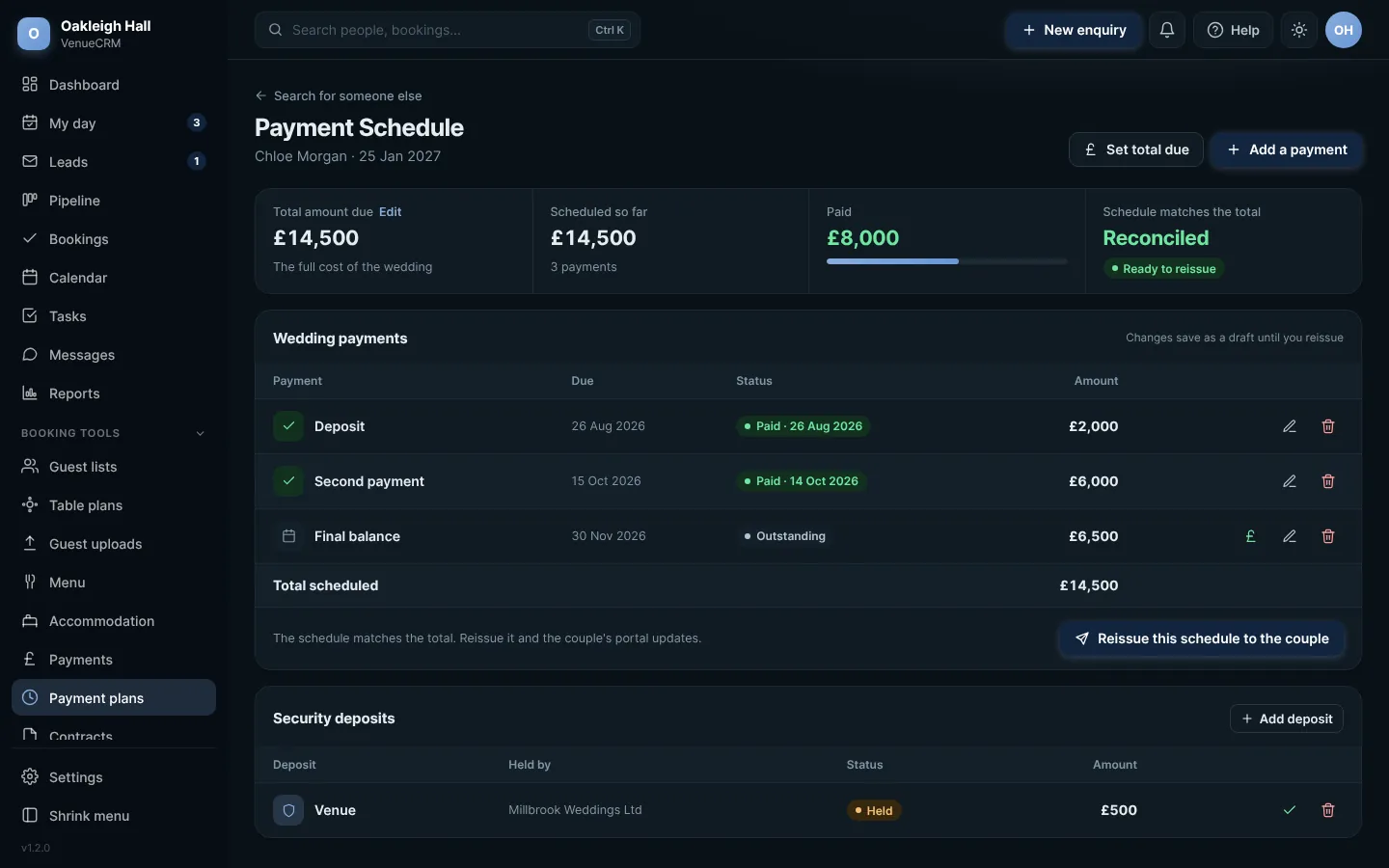
A booking's payment schedule. Click any picture to see it full size.
- Open Payment plans and pick a booking, or open the booking and go to Money and documents.
- Press Add a payment for each part: what it is for, the amount and the date it is due.
- When money comes in, press Take payment on the record, or confirm a payment the couple has told you about.
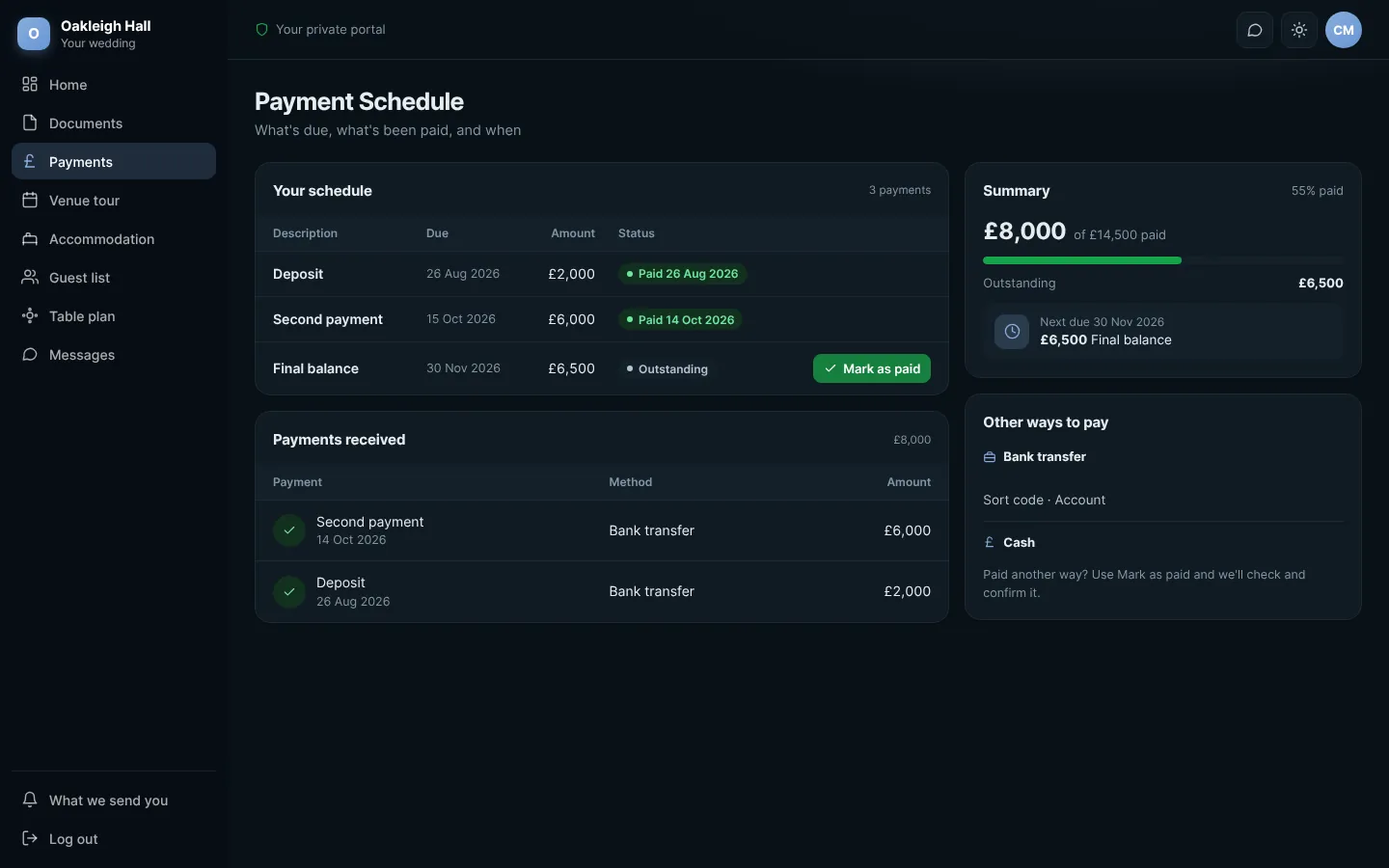
Couples see the same schedule in their portal and can press Mark as paid. You get a notice in the bell to check and confirm it.
 Full size
The schedule in the couple's portal
Try this in the playgroundYour own private copy of Venue CRM, with sample data. Nothing you do is kept.
Open the playground