 Full size
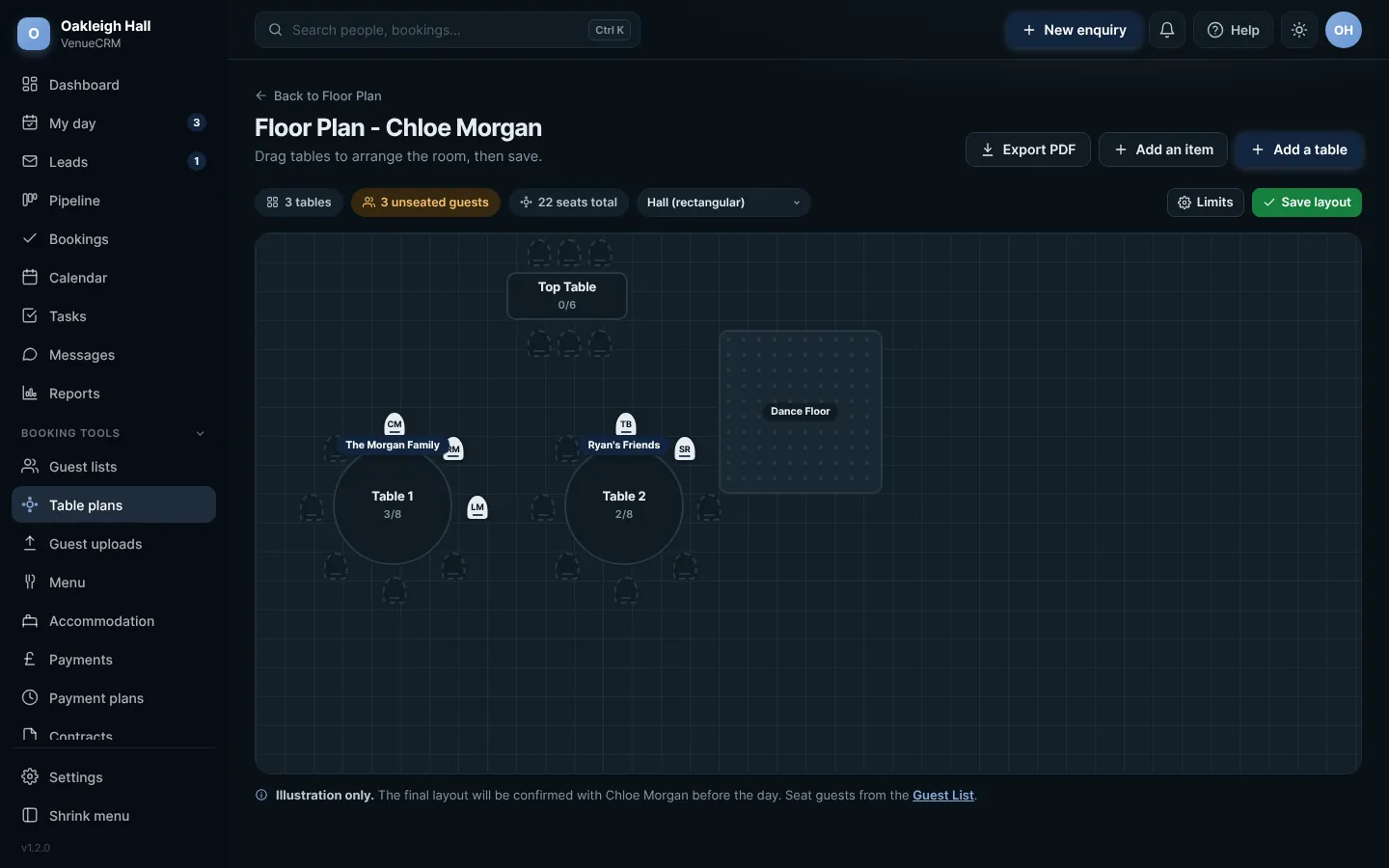
The table plan. Click any picture to see it full size.
- Choose the room shape, then press Add a table for each table, round or long.
- Add items such as the dance floor or the cake table with Add an item.
- Drag the tables where you want them, and choose a table for each guest in Still to seat.
- Press Save layout.
On a phoneTurn your phone sideways to move tables around. In portrait, you are asked to rotate.
Press Export PDF for a printed plan with every guest, their meal and any seat needs.
 Full size
The same plan in your admin
Try this in the playgroundYour own private copy of Venue CRM, with sample data. Nothing you do is kept.
Open the playground