 Full size
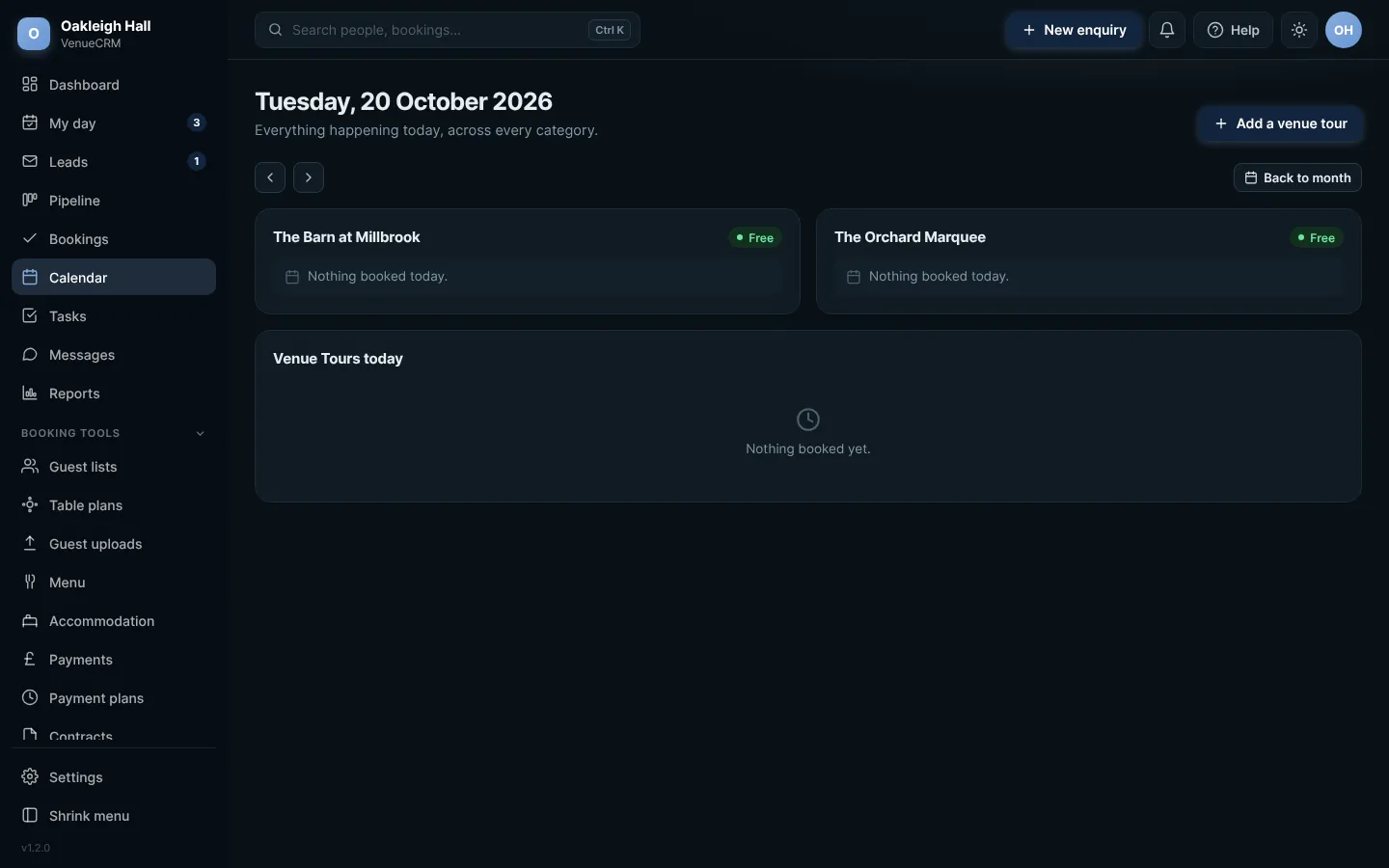
The day planner. Click any picture to see it full size.
- Open Calendar, then a day, or go straight to the day planner.
- Venue tours booked from your website arrive as requests. Press Confirm & send to confirm and email them, or confirm without emailing.
- To add one yourself, press Add, pick the person and the time, and save.
Who and when are neededA venue tour needs a person and a time before it can be saved. You will be told if either is missing.
Try this in the playgroundYour own private copy of Venue CRM, with sample data. Nothing you do is kept.
Open the playground