 123Full size
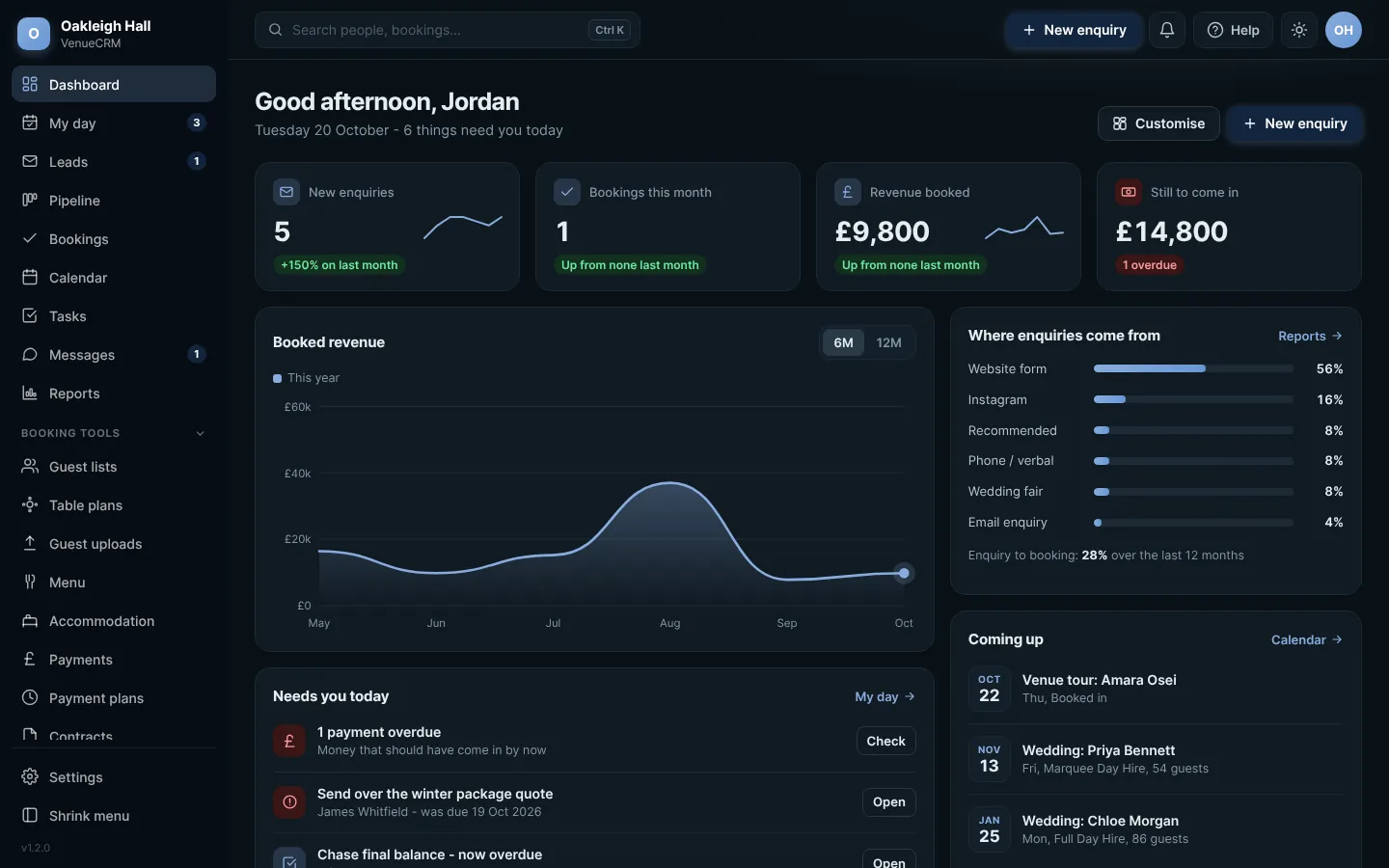
The main screen: menu on the left, search and quick buttons along the top. Click any picture to see it full size.
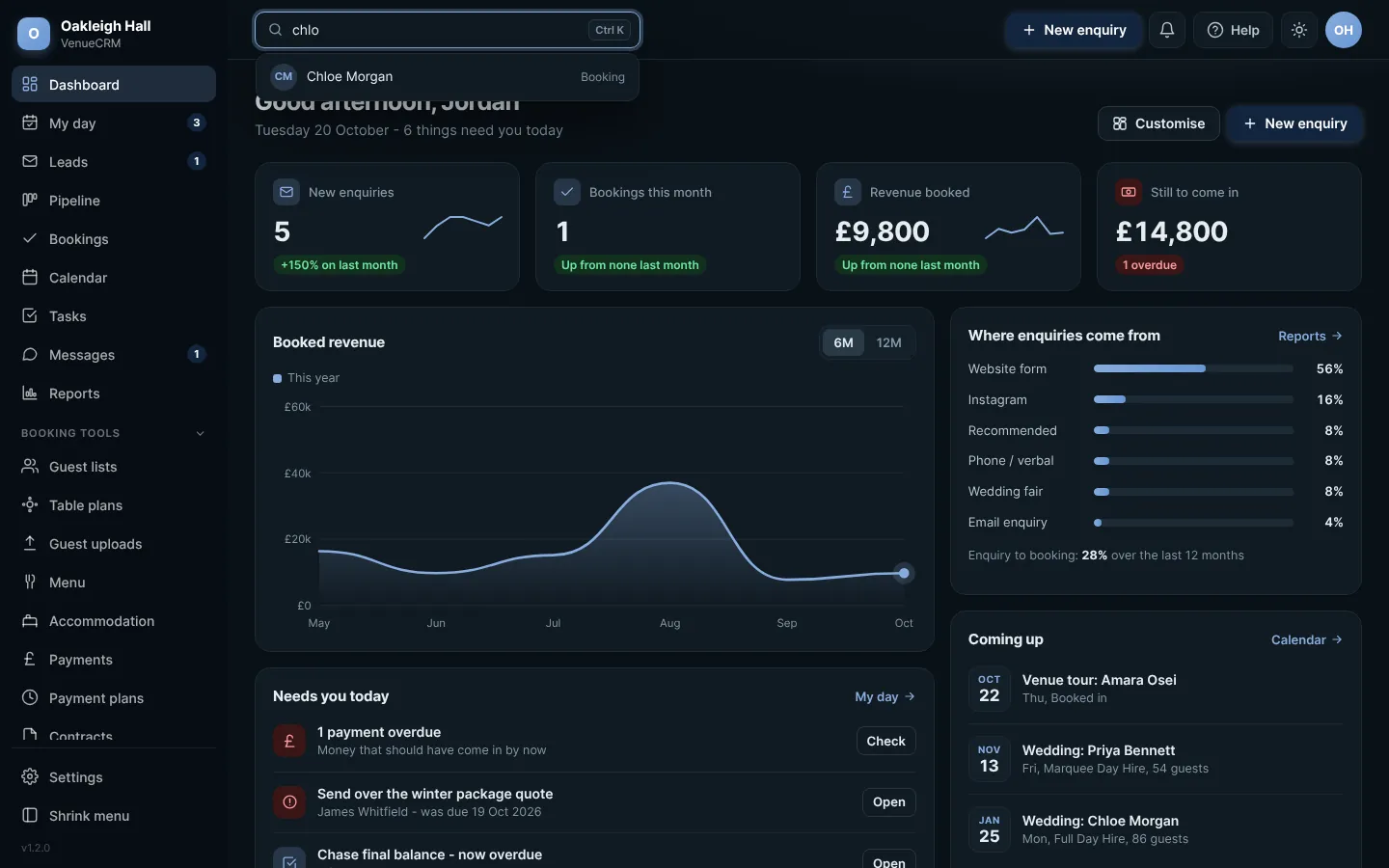
- Search finds anyone by name, email, phone or reference. Press Ctrl K on a computer to jump straight to it.
- New enquiry is always there, wherever you are, so you can add an enquiry the moment the phone rings.
- The bell shows what your couples have done in their portal, with a red count of anything new.
The menu
The menu lists every part of the CRM you have switched on. Extras you do not use stay hidden, so the menu only shows what you need. Press Shrink menu at the bottom to turn it into a slim strip of icons.
Finding anyone fast
 12Full size
Start typing and matches appear straight away
Light and dark mode
Press the moon (or sun) button in the top bar to switch between light and dark. Your choice is remembered on that device.
On your phone
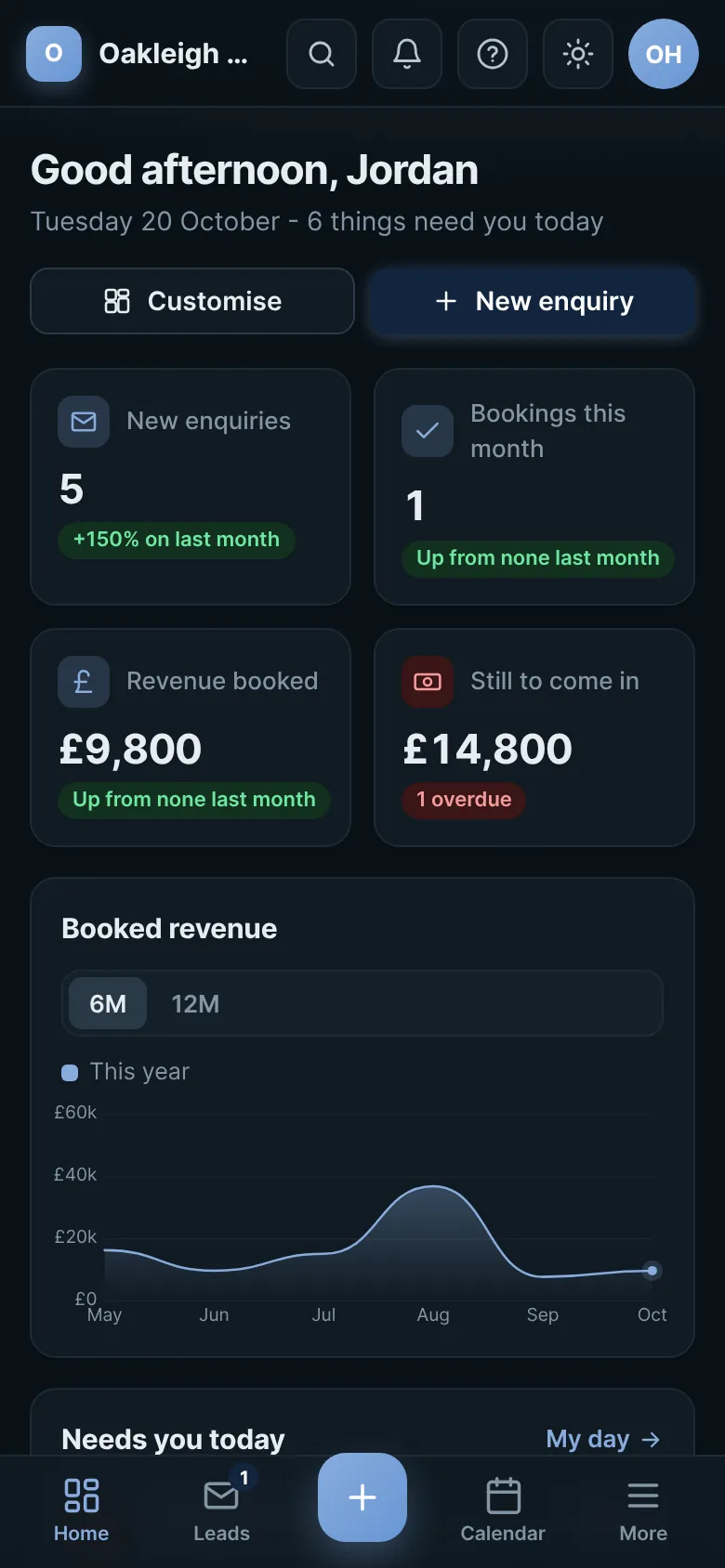
On a phone, the CRM works like an app. The things you use most sit in a tab bar along the bottom, with a big + in the middle to add an enquiry. More opens the full menu.
 Full size
The dashboard on a phone, with the tab bar along the bottom
Try this in the playgroundYour own private copy of Venue CRM, with sample data. Nothing you do is kept.
Open the playground