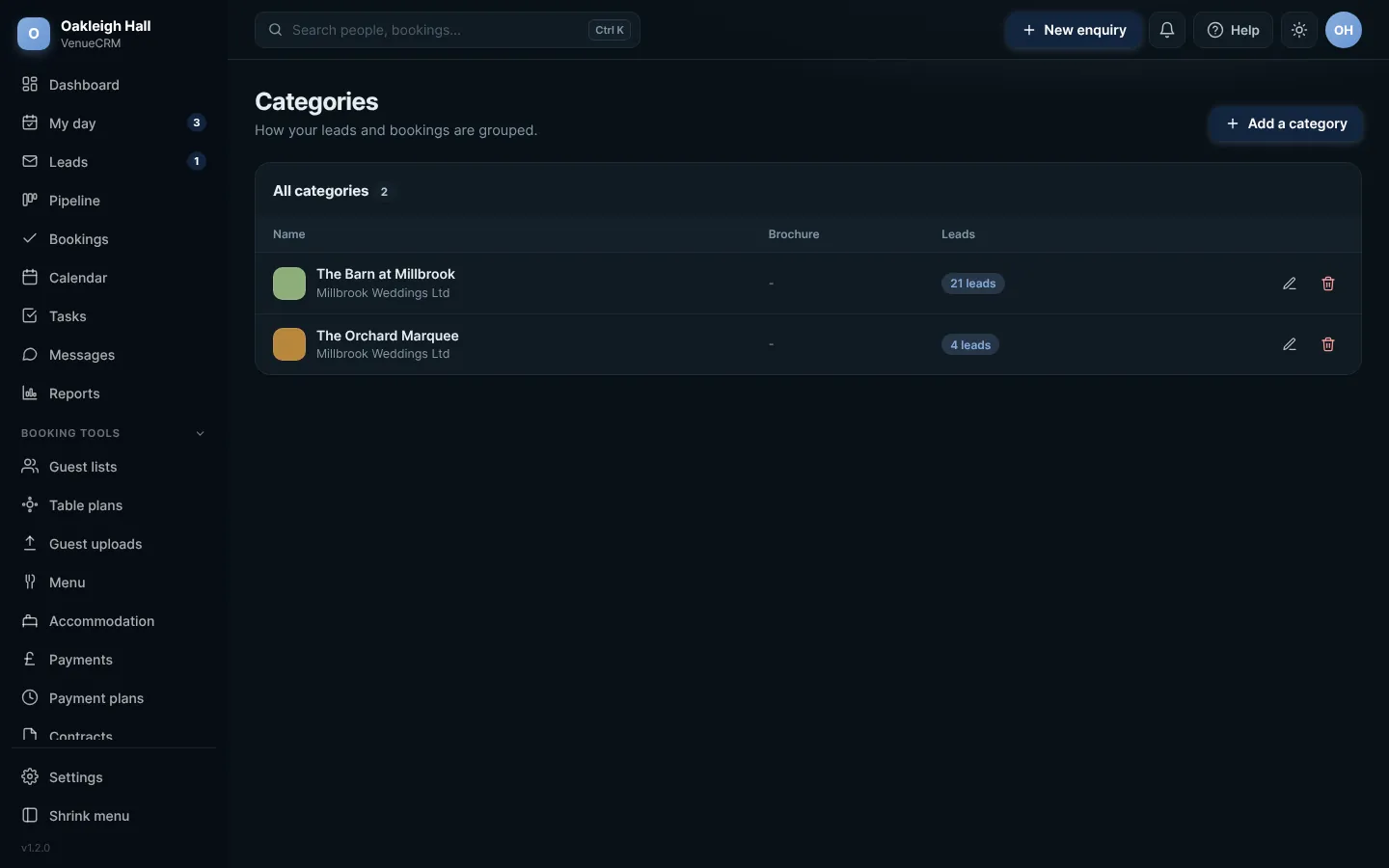
 Full size
Venues. Click any picture to see it full size.
- Open Venues from the menu (under Setup).
- Press Add, give it a name and fill in any details it needs.
- Press Save. It is now a choice on every enquiry and booking.
Only one?If you only have one venue, that is fine. The CRM hides the choice where it is not needed.
Try this in the playgroundYour own private copy of Venue CRM, with sample data. Nothing you do is kept.
Open the playground