 123Full size
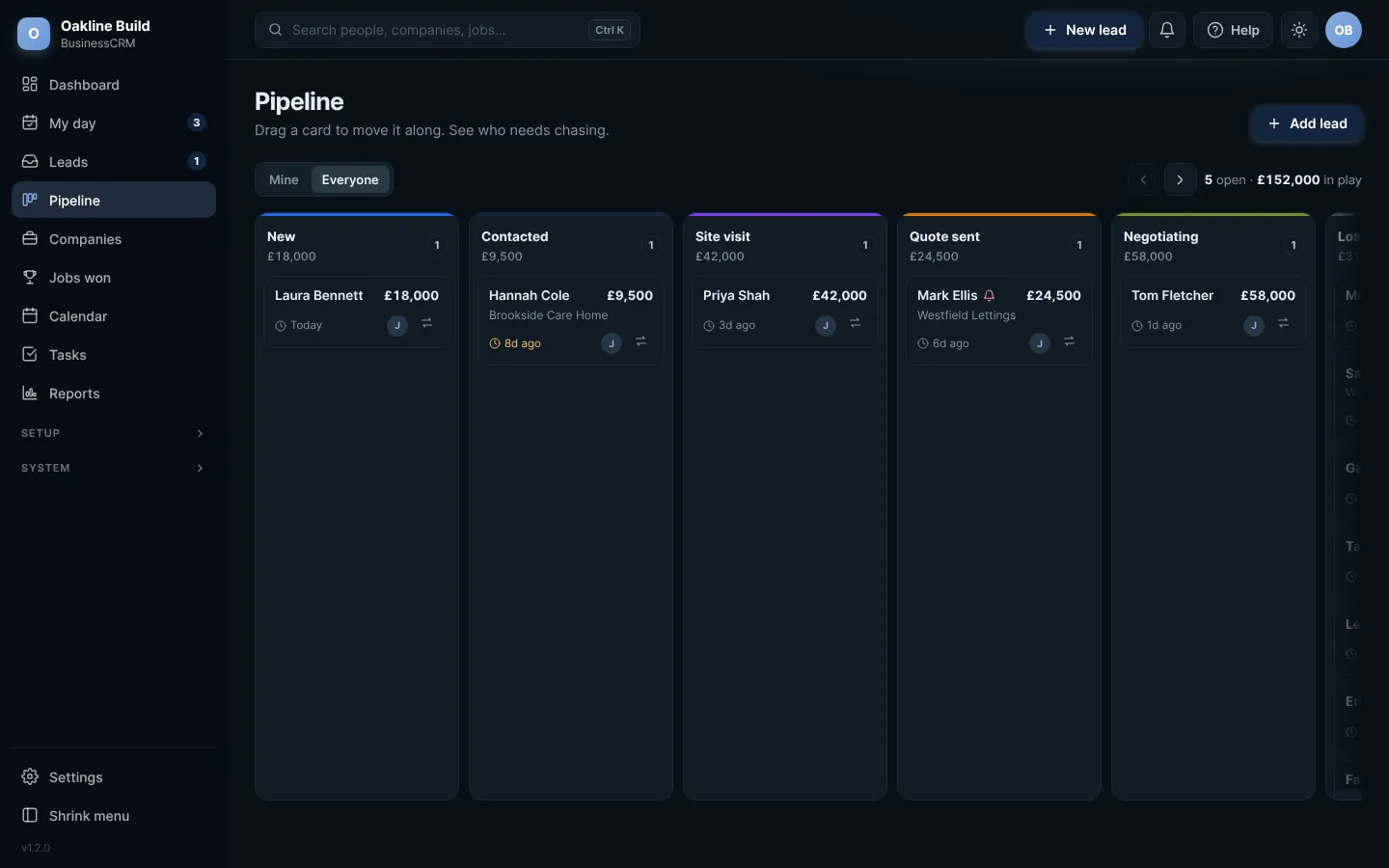
The pipeline. Click any picture to see it full size.
- Each column is a stage, with how many leads are in it and what they are worth.
- Each card shows the name, the value and when they were last contacted. Amber means it has been a week or more.
- To move a card, drag it to another column, or press the arrows button on the card and pick the stage.
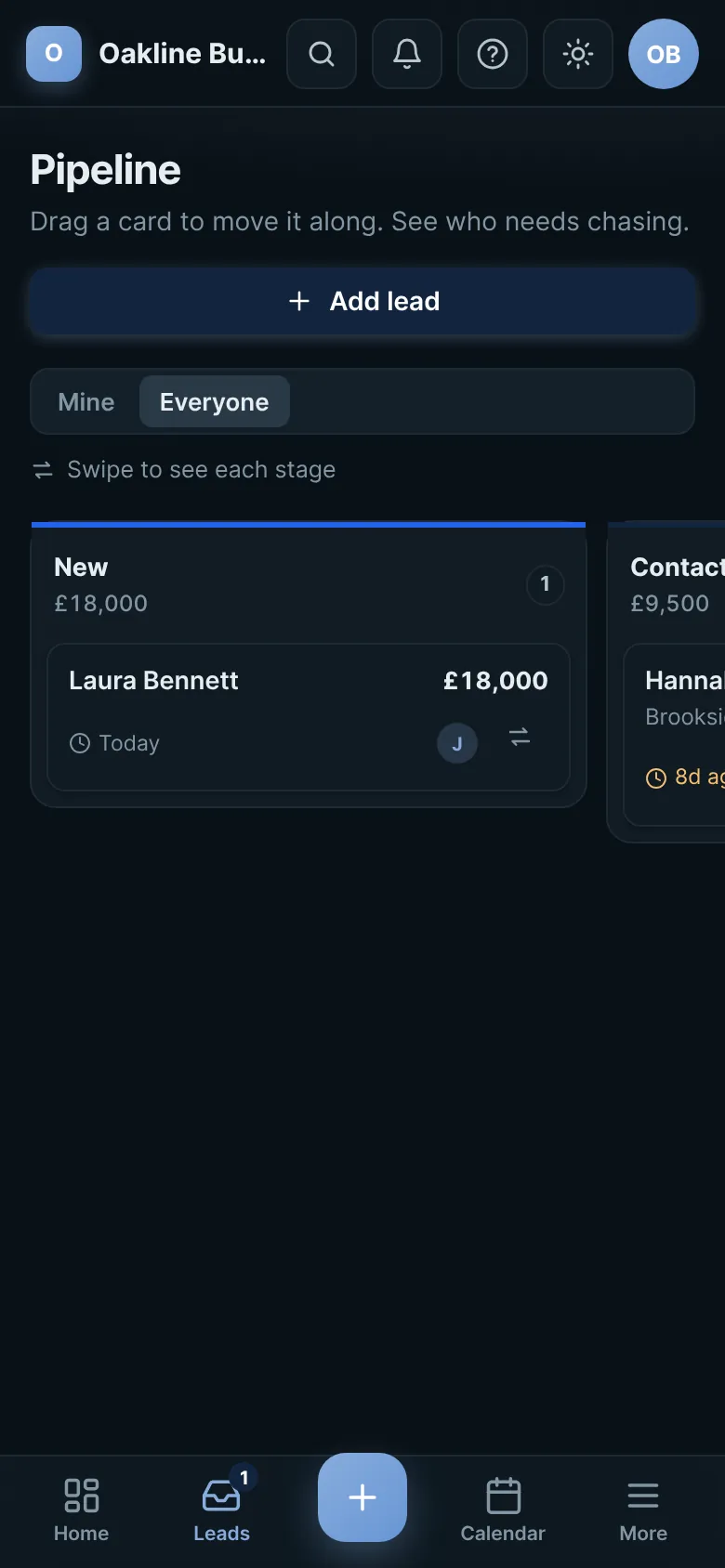
If there are more stages than fit on your screen, use the arrows at the top right or the scroll bar along the bottom. On a phone, swipe to go from one stage to the next.
 Full size
The pipeline on a phone: one stage at a time
Try this in the playgroundYour own private copy of Business CRM, with sample data. Nothing you do is kept.
Open the playground