 123Full size
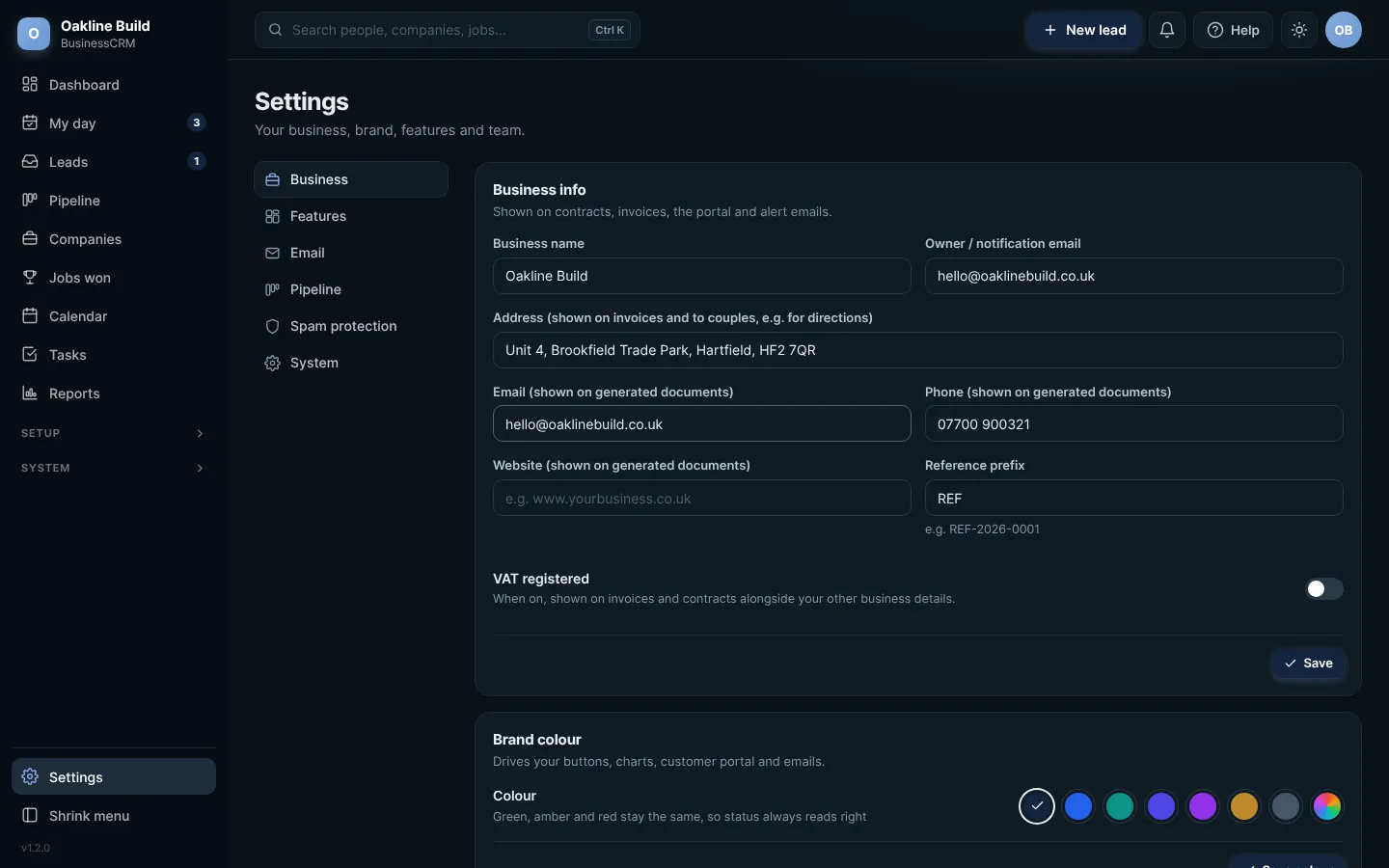
Settings, open at Business. Click any picture to see it full size.
- Press Settings at the bottom of the menu. The sections are listed down the left.
- In Business info, fill in your business name, address, the email and phone to show on documents, and your website.
- Press Save.
The Reference prefix is the start of every reference number, for example REF-2026-0001. Change it to your own initials if you like.
If you are VAT registered, switch on VAT registered and your VAT details will show on your documents.
Try this in the playgroundYour own private copy of Business CRM, with sample data. Nothing you do is kept.
Open the playground