 Full size
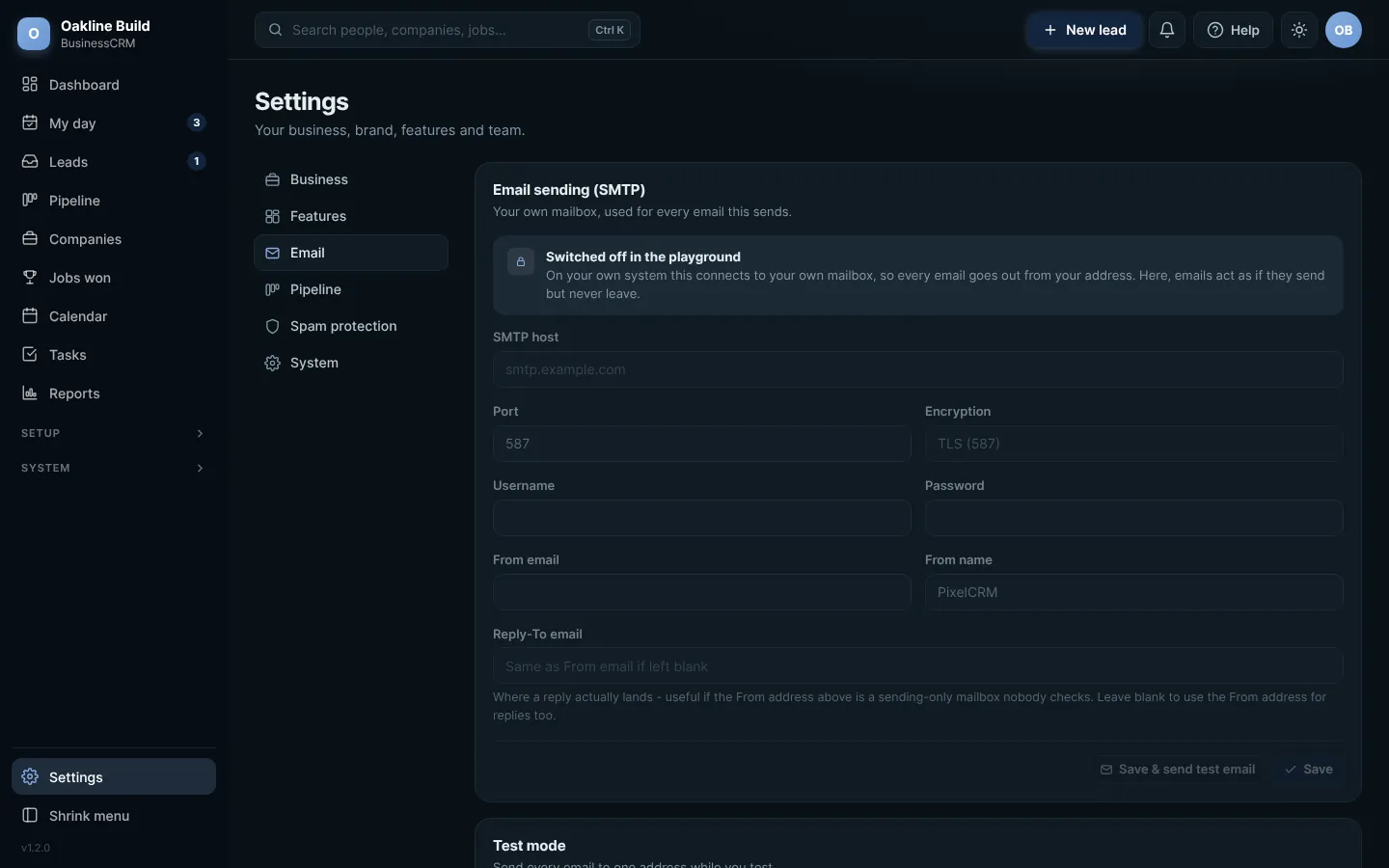
Settings: Email. Click any picture to see it full size.
- Sending: the mailbox your emails send from. We connect this when we set you up.
- Reply-To: where replies go, if not the sending address.
- Notifications: the address that hears about new leads and anything your customers do.
- Send all emails to one address: a test switch. While it is on, every email goes to one address instead of the real person, so you can try things safely.
Remember to switch test mode offWhile Send all emails to one address is on, your customers will not receive anything. The switch shows On or Off so you can always check.
Try this in the playgroundYour own private copy of Business CRM, with sample data. Nothing you do is kept.
Open the playground