 Full size
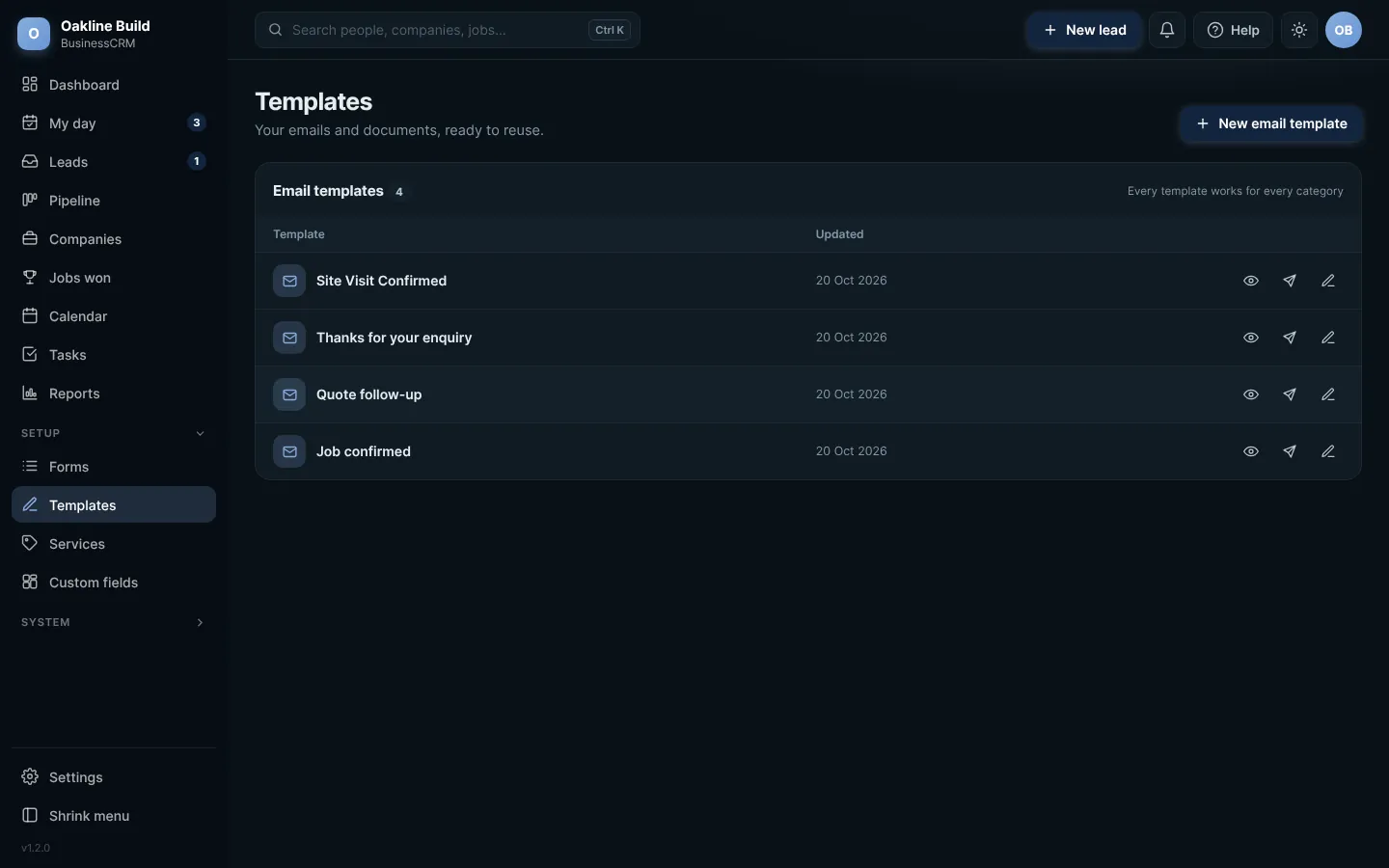
Templates. Click any picture to see it full size.
- Open Templates from the menu.
- Press New email template, or open one of the ready-made ones to change it.
- Write your email. Use the merge fields, such as the first name, and they fill in for each person.
- Press Save. Send it from any lead record, or from Quick send on the dashboard.
Use Preview to see exactly how it will look in someone's inbox before you send it.
Try this in the playgroundYour own private copy of Business CRM, with sample data. Nothing you do is kept.
Open the playground