 Full size
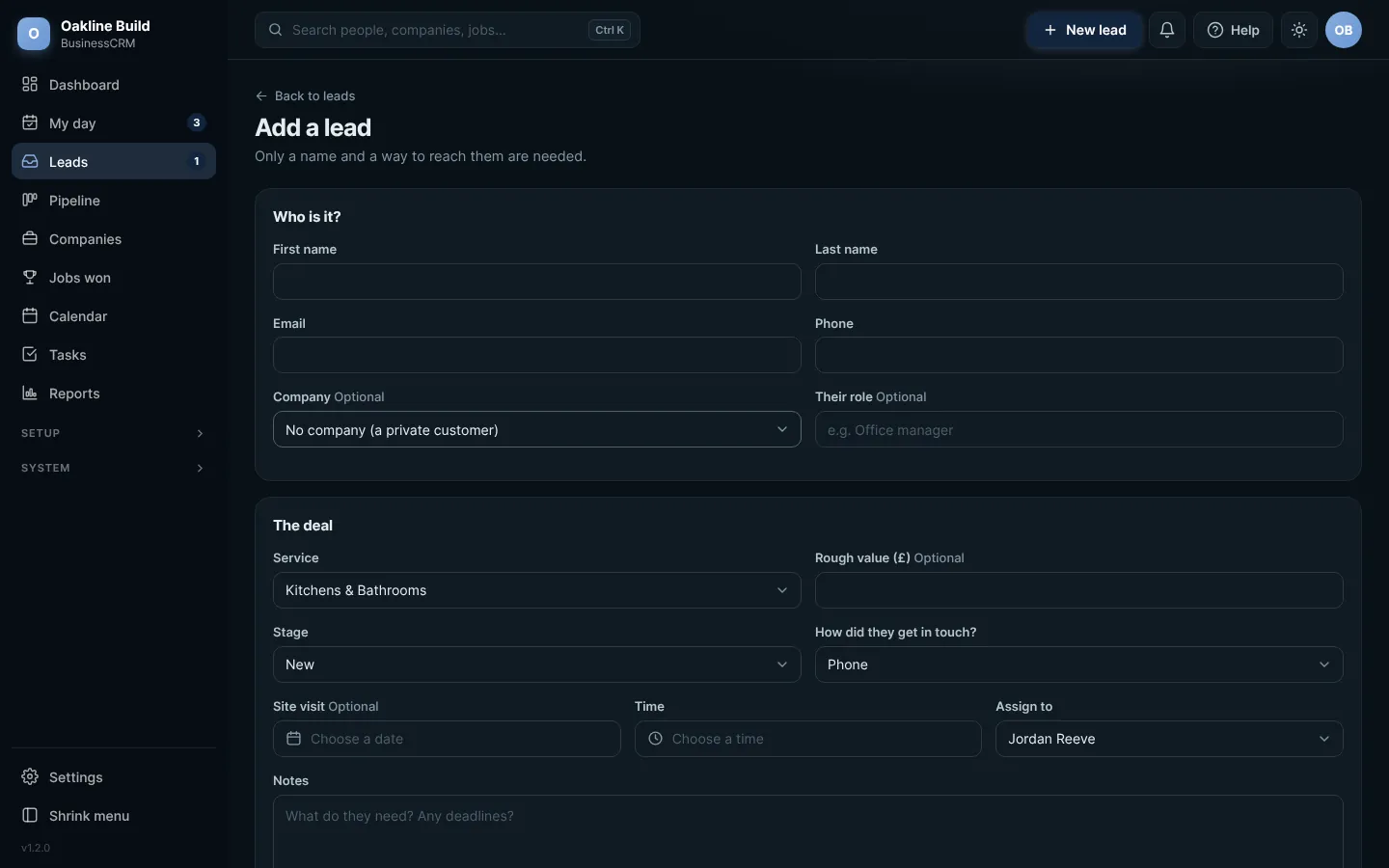
Adding a lead. Click any picture to see it full size.
- Press New lead in the top bar (or the big + on your phone).
- Choose who is adding it, the type and where they heard about you, then press Continue. That is all you need to save.
- Fill in as much of the rest as you have: their details, anyone else involved and what they are looking for.
- Press Save, then Open the record.
Already on file?If the person is already in the CRM, you are told before you save, with a link to their existing record.
Try this in the playgroundYour own private copy of Business CRM, with sample data. Nothing you do is kept.
Open the playground